
Unique Records
Unique Records keeps a table free of duplicates by using a key field, such as name or email, to identify each record.
In short
- What it is: a table setting that uses a key field to identify each record, so the same customer, ticket or company isn't saved twice.
- How to open it: open the table, click Tools and then Unique Records.
- What you choose: the key field, for example name or email.
What is it
Duplicated records make reports wrong and teams lose time figuring out which copy is right. Unique Records solves this at the source. You pick the field that identifies each record, like a customer's email or a company's name, and Jestor uses it to tell records apart. Your data stays clean without anyone checking by hand.
How to access
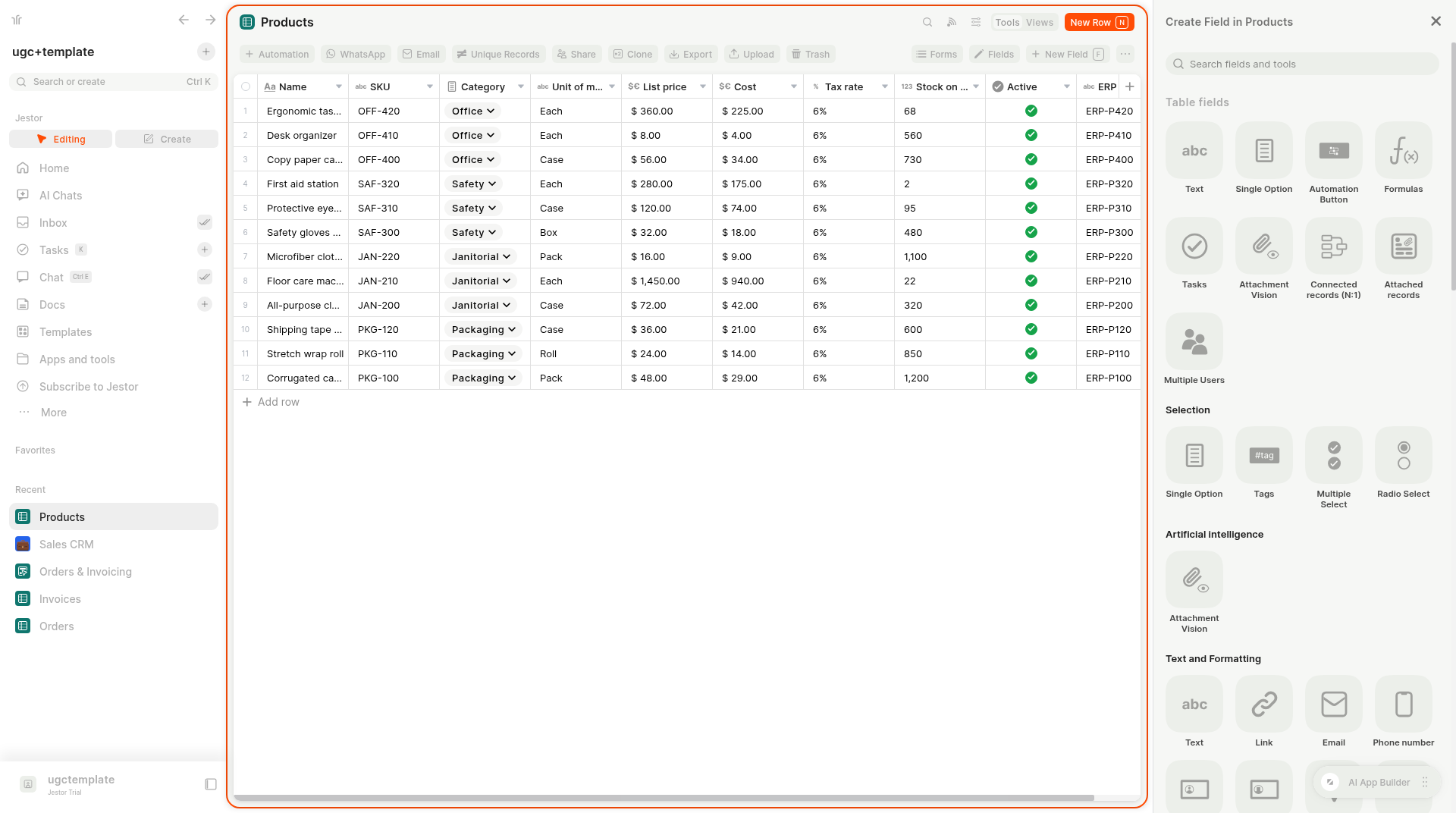
- Open the table.
- Click Tools at the top right.
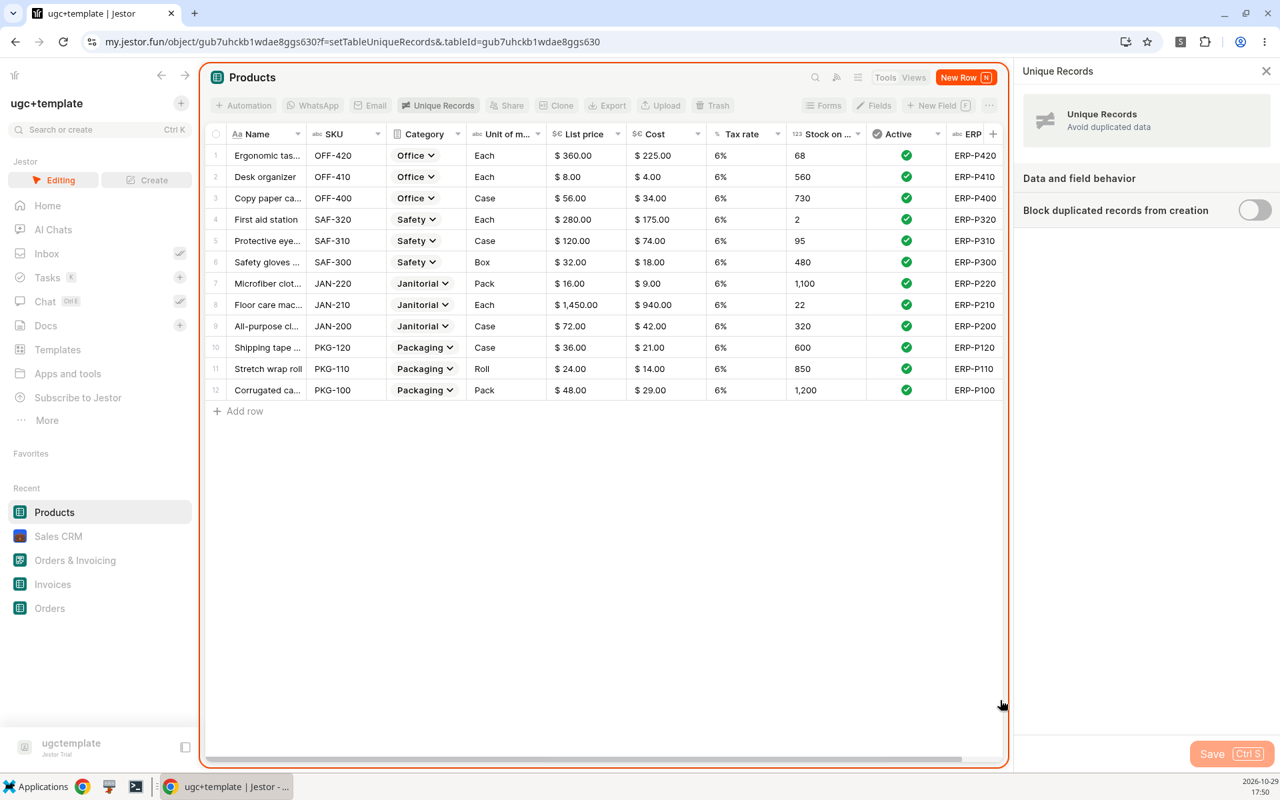
- Click Unique Records. A panel opens with the subtitle Avoid duplicated data.
Options
- Block duplicated records from creation: the toggle in the Data and field behavior section. It is off by default.
- Save (Ctrl S): saves the setting.
- Key field: choose the field that identifies each record, such as name or email.
How to use
- Open the table and click Tools > Unique Records.
- Turn on Block duplicated records from creation.
- Select the key field that identifies each record. For a customers table, email is a good choice. For a companies table, use the company name or tax ID.
- Click Save, or press Ctrl + S.
Use cases
- Customers or leads: use email as the key so the same person isn't added twice.
- Tickets: use the ticket's identifier so each ticket exists only once.
- Companies: use the company name as the key.
Keep in mind
- Choose a field that is really unique for each record. A field that repeats, like a city or a status, is not a good key.
Pick the key that matches how records arriveIf records come in by email or forms, use the field those sources always fill, such as the email address.
Related pages
- Table toolbar and tools: all the tools in a table.
- Field types: choose the right field for your key.
- Update your table using Spreadsheets: bring data in from spreadsheets.
FAQ
Where do I turn on Unique Records?
Open the table, click Tools and then Unique Records, and turn on Block duplicated records from creation. It is off by default.
Which field should I use as the key?
The field that identifies each record, such as a name or an email address.
What is Unique Records for?
It keeps a table free of duplicated information by identifying each record with a key field.
Updated about 10 hours ago