
Views
Views let you display the same table data in different formats, each suited to different workflows. You can create multiple views per table and switch between them at any time without affecting the underlying data.
Capabilities
- Create multiple views for the same table
- Choose from four view types: Table, Kanban, List, and Form
- Search for an existing view by name
- Access Super Forms linked to the table directly from the Views panel
View Types
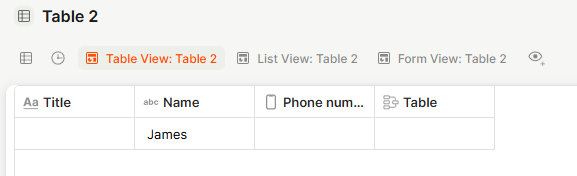
New Table View — Displays records in a spreadsheet-style grid. Best for scanning and editing multiple records at once.
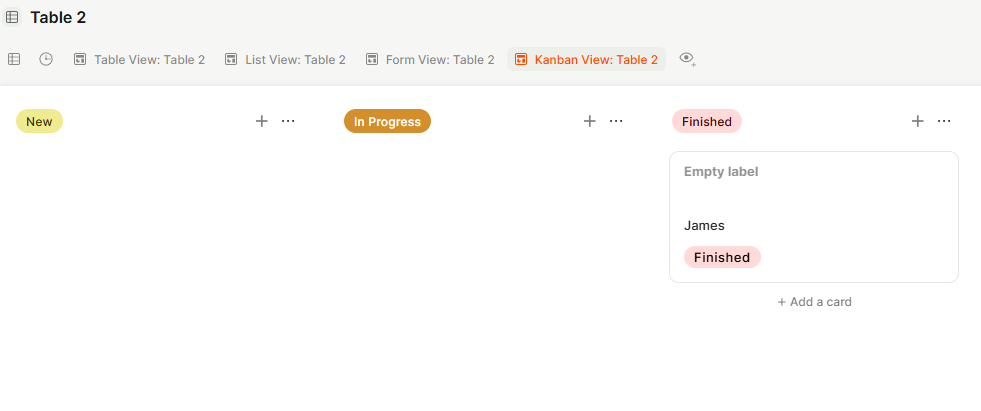
New Kanban View — Displays records as cards grouped by a field, typically a status or stage. Best for pipeline and workflow management.
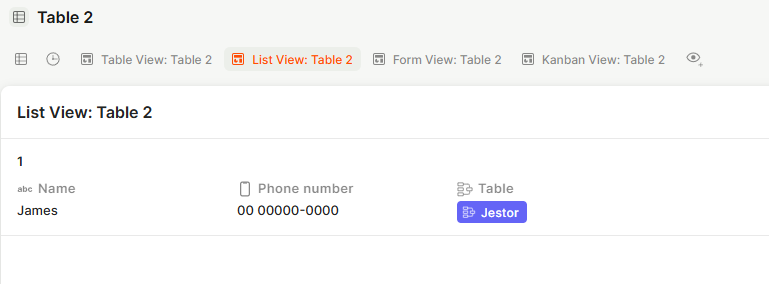
New List View — Displays records in a compact vertical list. Best for quick reference and lightweight browsing.
New Table Form — Creates a form view for data entry into the table. Best for collecting structured input.
How to Access Views
Step 1
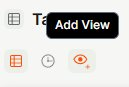
Open a table and click the Views tab in the top toolbar.
Step 2
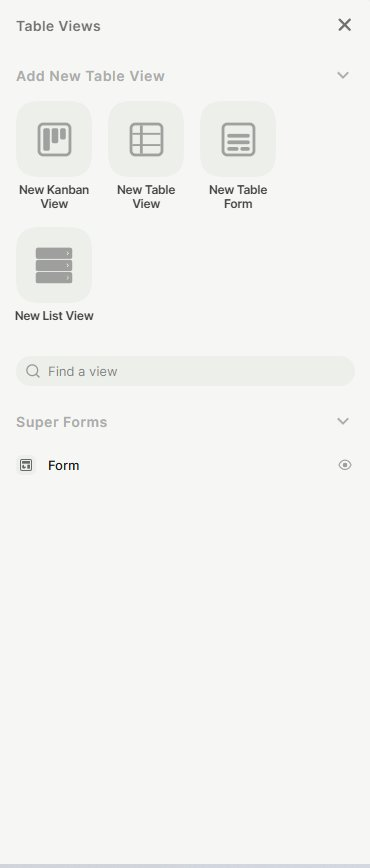
The Table Views panel opens on the right side, showing all existing views for that table.
How to Add a New View
Step 1
In the Table Views panel, click Add New Table View to expand the view type options.
Step 2
Select the view type you want to create: New Kanban View, New Table View, New Table Form, or New List View.
Step 3
The new view is created and added to the panel. Click it to switch to that view.

Keep in Mind
- Views do not change the underlying data — they only change how it is displayed.
- Each view can have its own filters, sorting, and grouping settings, independent of other views.
- The Super Forms section in the Views panel shows forms linked to the table, but these are managed separately from table views.
FAQ
1- Can I have multiple views of the same type?
Yes. You can create as many views of each type as needed for the same table.
2- If I delete a view, does it affect my data?
No. Deleting a view only removes that display configuration. The records in the table are not affected.
3- Can I search for a view by name?
Yes. Use the Find a view search bar inside the Table Views panel to locate a specific view quickly.
Updated 6 months ago