
Keyboard Shortcuts
The keyboard shortcuts that open the Create window, the Action Bar, Settings, Tasks and Chat, and add rows, fields and blocks without the mouse.
In short
- Create anything: press C to open the Create window with the AI App Builder. To start a chat or add an agent from the sidebar, go to Agents and open the New tab.
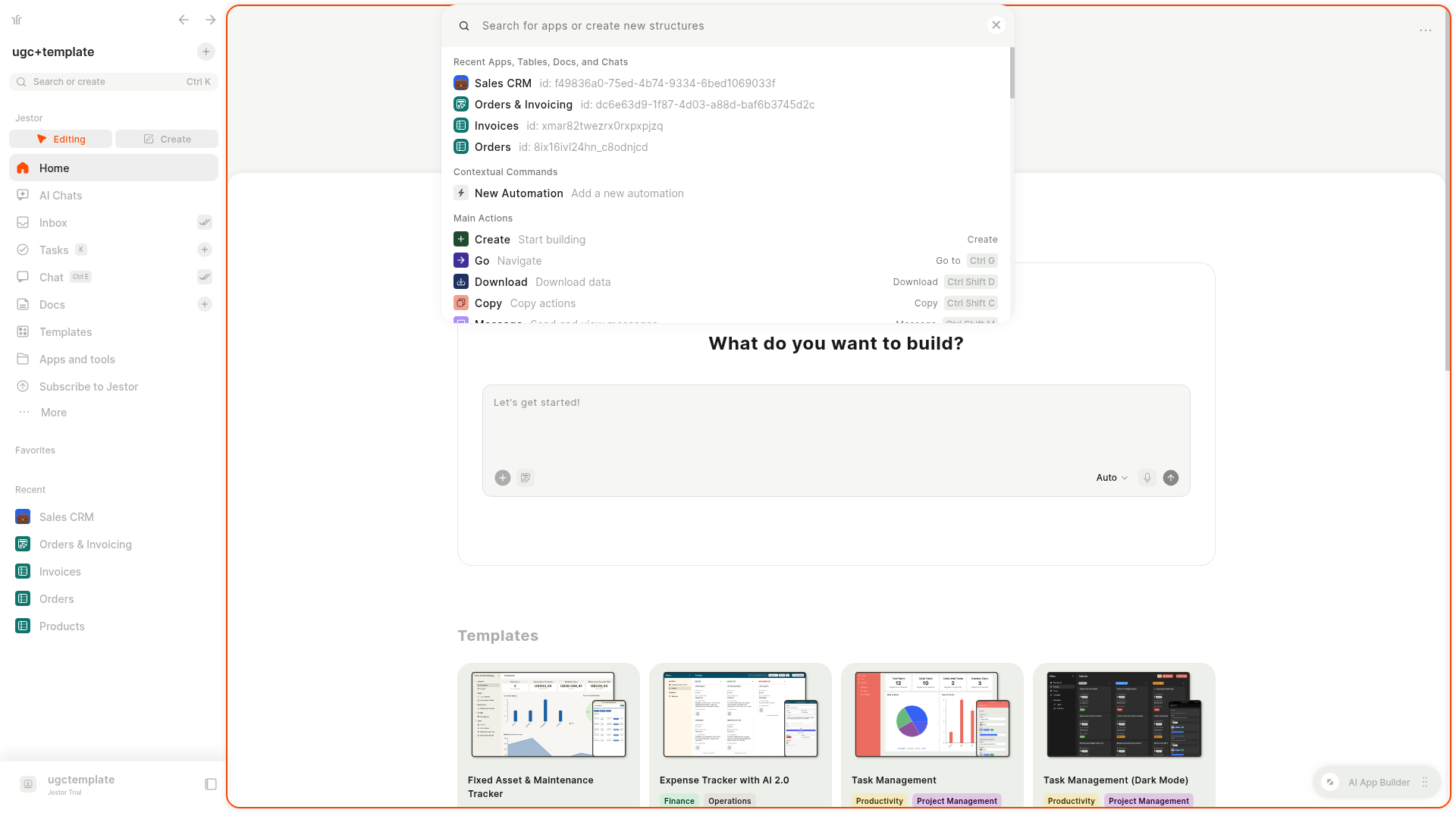
- Search or run a command: press Ctrl + K to open the Action Bar.
- Settings: press Ctrl + . (Command + . on Mac).
- In a table: N adds a row and F creates a field.
What is it
Jestor has shortcuts for the actions you repeat the most. Learn a handful and you can build, search and fill in tables without reaching for the mouse. Single-letter shortcuts work when you're not typing in a text field.
How to access
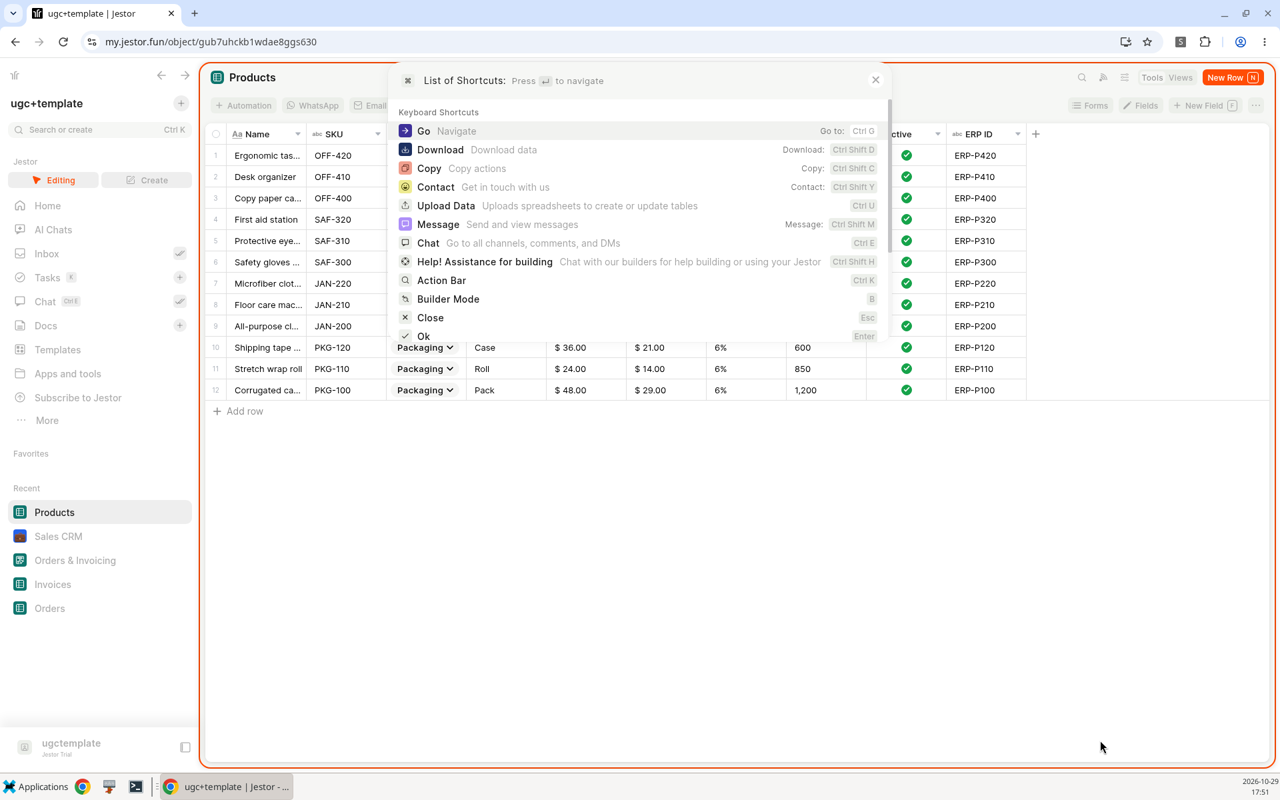
Shortcuts work from anywhere in Jestor. To see the full list of commands, open the Action Bar with Ctrl + K and open List of Shortcuts.
Shortcuts
List of Shortcuts
This is the list Jestor shows in List of Shortcuts (open the Action Bar with Ctrl + K).
| Command | Shortcut |
|---|---|
| Go | Ctrl + G |
| Download | Ctrl + Shift + D |
| Copy | Ctrl + Shift + C |
| Contact | Ctrl + Shift + Y |
| Upload Data | Ctrl + U |
| Message | Ctrl + Shift + M |
| Chat | Ctrl + E |
| Help | Ctrl + Shift + H |
| Action Bar | Ctrl + K |
| Builder Mode | B |
| Close | Esc |
| Ok | Enter |
| New Field | F |
| New app block | F |
| New Record | N |
| Refresh | Ctrl + R |
| Go back | Ctrl + ← |
| Go forward | Ctrl + → |
| New automation | A |
Other shortcuts
| Shortcut | What it does |
|---|---|
| C | Opens the Create window with the AI App Builder. |
| K | Opens Tasks. |
| Ctrl + . (Windows/Linux), Command + . (Mac) | Opens Settings. |
The Action Bar also has Create with a click items for a New Super Form, New Smart Kanban, New Table or New Blank App.
Keep in mind
- Single-letter shortcuts such as C, N and F don't work while the cursor is in a text field.
- Some shortcuts, like B for Builder Mode and the building shortcuts, are for builders.
Hide what you reach by keyboardIf you open things with shortcuts, you can remove those items from the left menu in Settings > Menu > Select Jestor tools. See Menu.
Related pages
- Action Bar: search and run commands.
- Create window: what C opens.
- AI Chats: start chats and agents from Agents > New.
- Quick Actions: your own shortcuts.
- Settings: open with Ctrl + ..
FAQ
How do I open the AI App Builder with the keyboard?
Press C anywhere in Jestor (outside a text field). The Create window opens with the AI App Builder ready to use. You can also click Agents in the left sidebar, open the New tab and pick the AI App Builder card.
How do I search for an app or table?
Press Ctrl + K to open the Action Bar and type its name.
How do I add a record quickly?
Open the table and press N.
How do I add a field quickly?
Open the table and press F.
Where is the full list of shortcuts?
Open the Action Bar with Ctrl + K and open List of Shortcuts.
Updated about 10 hours ago