
Time since creation
The Time since creation field automatically tracks how long it has been since a record was first created. It updates dynamically and requires no manual input.
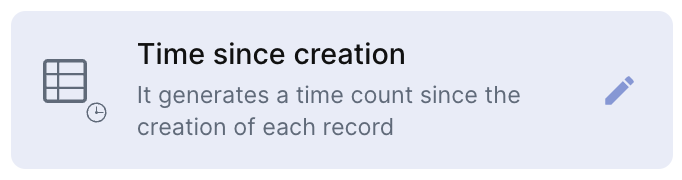
For instructions on how to access field types or how to add one, see Field Types.
Capabilities
- Displays the time elapsed since the record was created
- Updates automatically — no manual input required
- Works across all record types and table views
Use cases and examples
- Bug tracker — Track how long a bug has been open, helping measure the team's resolution speed.
- CRM / Customer records — See how long a client has been in your base, useful for loyalty or lifecycle analysis.
- Hiring pipeline — Know how many days a candidate has been in the process since their application was registered.
- Project management — Monitor how long tasks or projects have existed without being closed.
Keep in mind
- The field tracks when the record was created, not when it was last modified. For modification time, use a Time since update field instead.
- The value is read-only — it cannot be manually set or overridden.
- It does not send notifications or trigger automations on its own based on elapsed time.
FAQ
1- Can I use this field to track when a specific field was added?
No. Time since creation only tracks when the record itself was first created, not when any individual field received its value.
2- Does this field ever reset?
No. The count starts when the record is created and never resets, regardless of any changes made to the record afterward.
3- Can I filter or sort records by Time since creation?
Yes. You can sort and filter records based on this field, making it easy to find the oldest or newest records.
4- What's the difference between Time since creation and Time since update?
Time since creation shows how long ago the record was first created and never changes. Time since update shows how long ago the record was last modified and resets with every change.
Updated 6 months ago